Internet Connection Required
Ensure your qCam is connected to a wireless or wired network to check or install updates
1. Power on your qCam and navigate to the Home Screen

2. Click "Check for Updates"
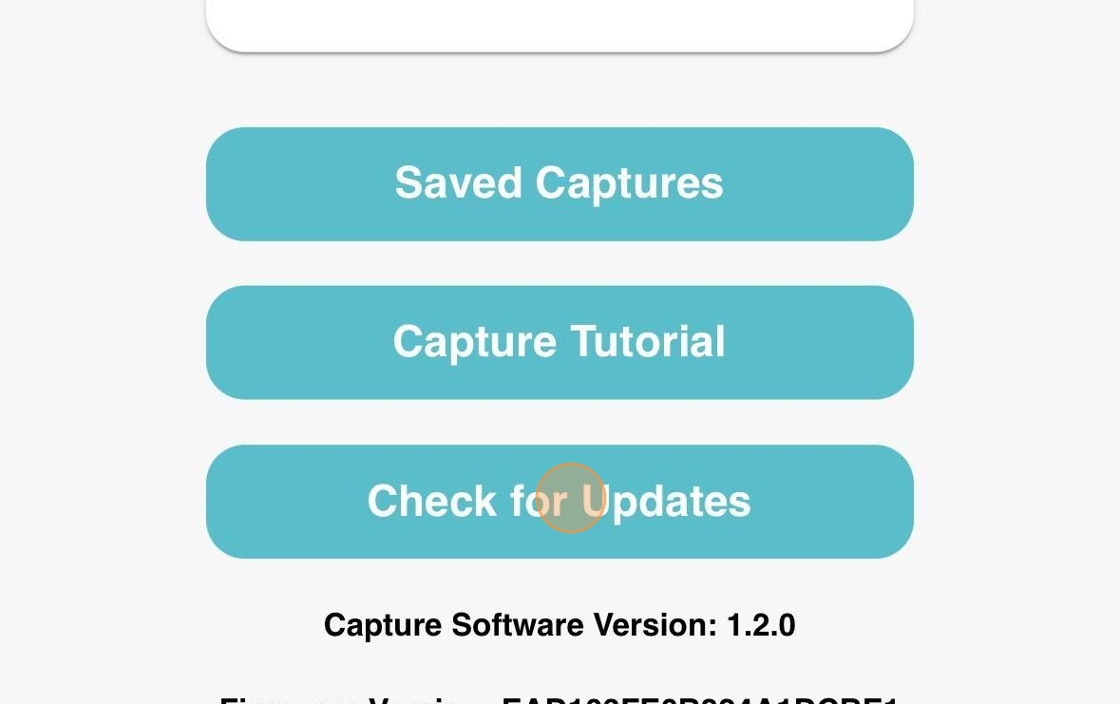
3. qCam will check for updates

Ensure battery is charged!
Ensure that the battery is over 50% charged or connected to power before performing the update
4. Click "Update Now"
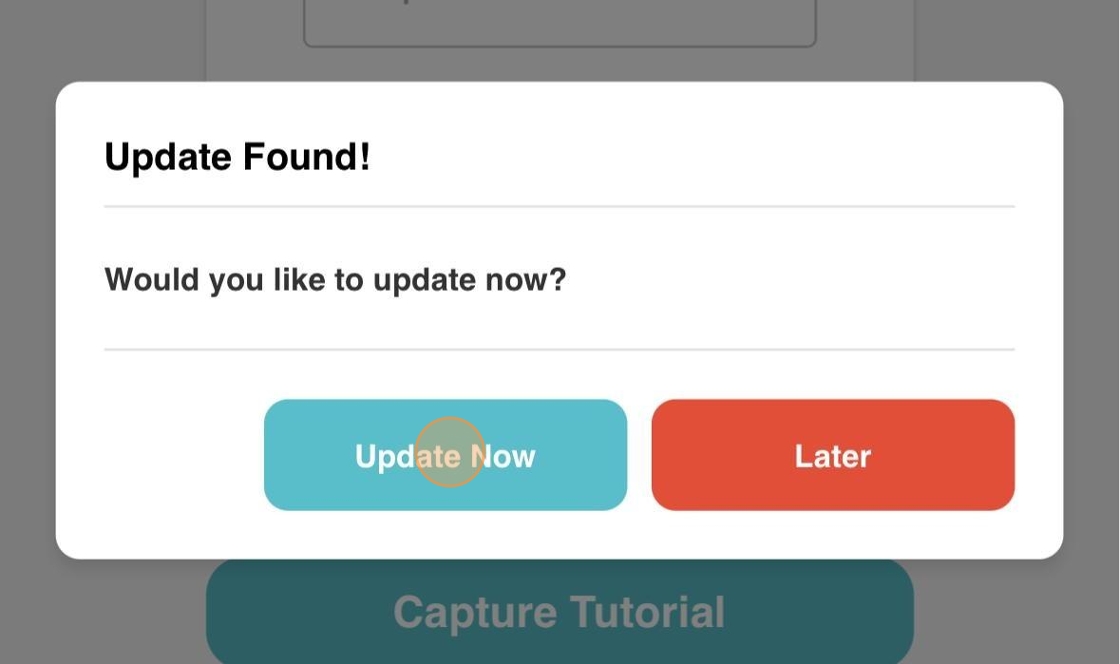
5. Update will download and install automatically. The entire process will take around 45 minutes.
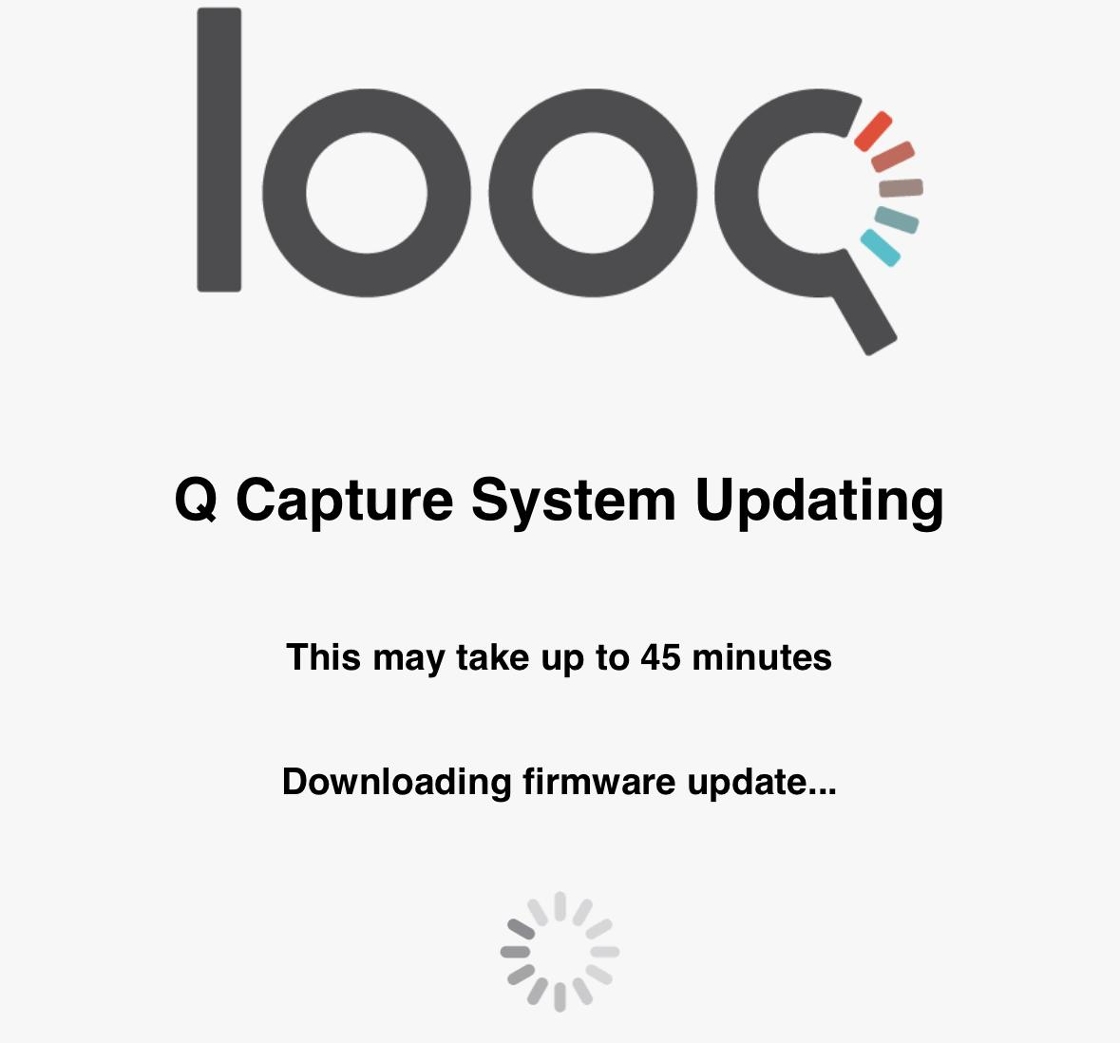
6. qCam should remain powered on for the duration of the update. The battery is connected to power in this example.
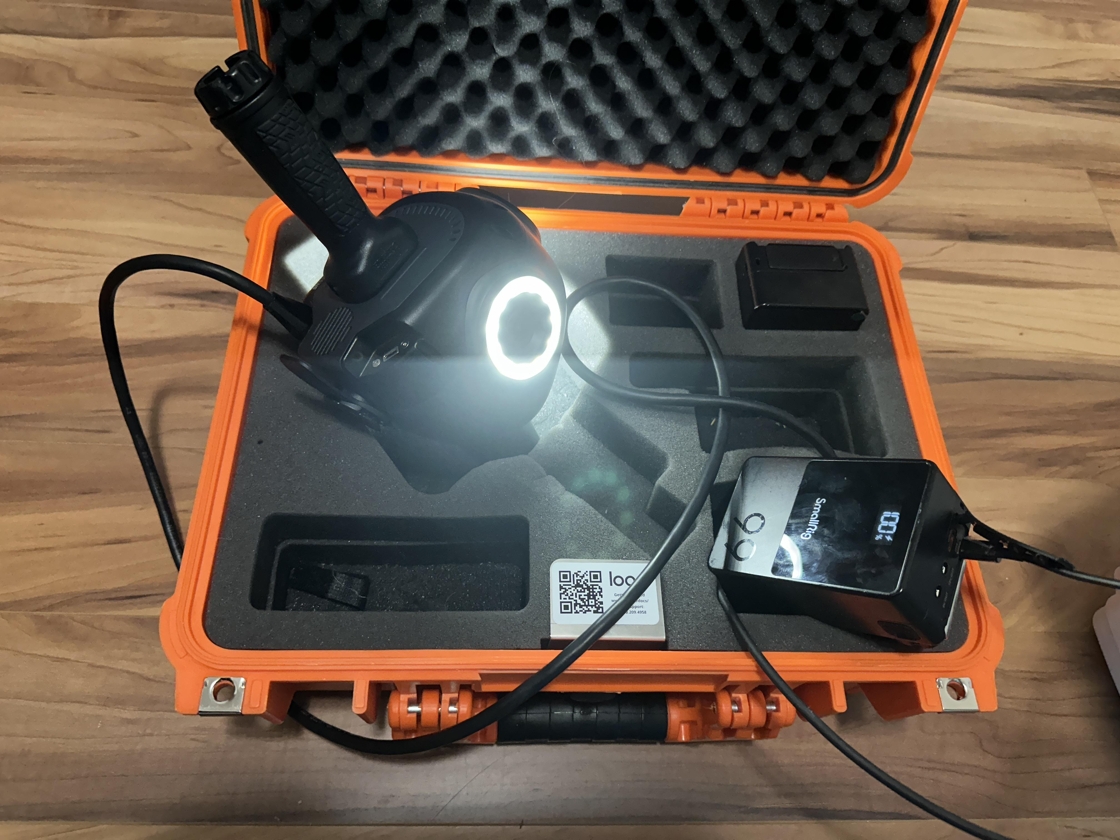
7. The qCam will shut off automatically when the update is complete, but the iPhone screen will remain on.

8. Update Complete

9. After the update is complete, unplug the power cable then plug it back in to restart the qCam
10. Repeat steps 1-3 to check for updates again. Ensure that there are no longer updates available, and click "Ok"
